
Changelog - May 2026
- Platform
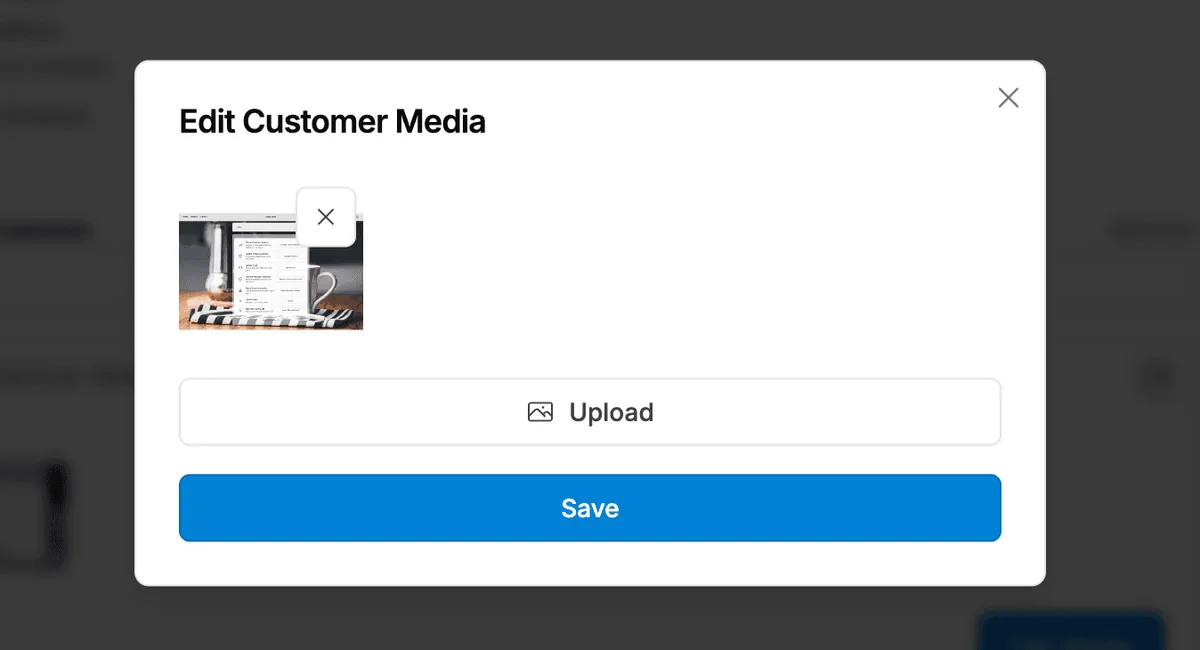
Improvements to Customer Media Management on Claims
Improved claim media management in the admin with the ability to upload new images on behalf of a customer, view all media associated with a claim in one place, and delete images that are no longer relevant. This gives support teams more control over claim documentation without needing to ask customers to resubmit.
- Returns and Exchanges
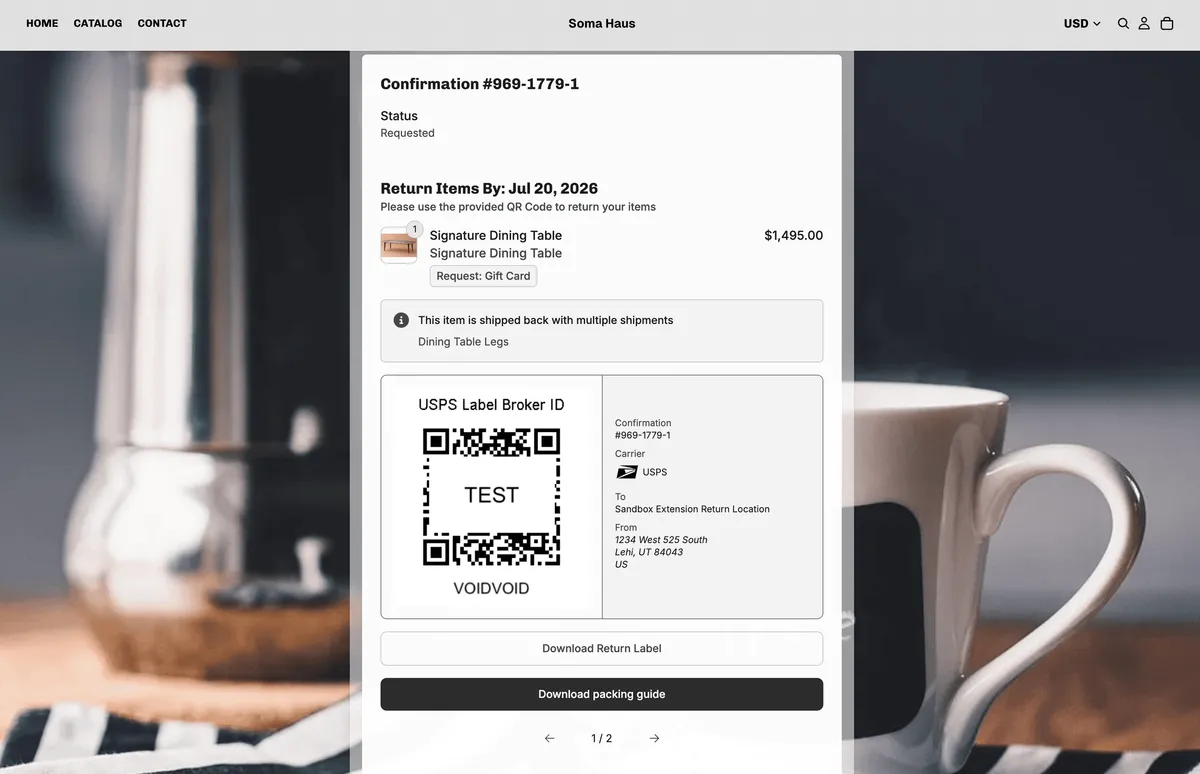
New rule for customizing return shipping
Added a new rule type that gives brands greater control over return label generation at the product level. Brands can now configure specific products to generate multiple return labels, set custom parcel dimensions per shipment, and include packing instructions for the customer. The most common use case is products that ship and return in more than one box, where a brand can define exactly how many labels to generate and what box dimensions to use for each.
- Platform
New filter for Claim Denied Status
Added a new filter for denied claim status that allows teams to show or hide claim line items based on whether they have been denied, making it easier to triage and manage claims queues without denied items adding noise to the view.
- Platform
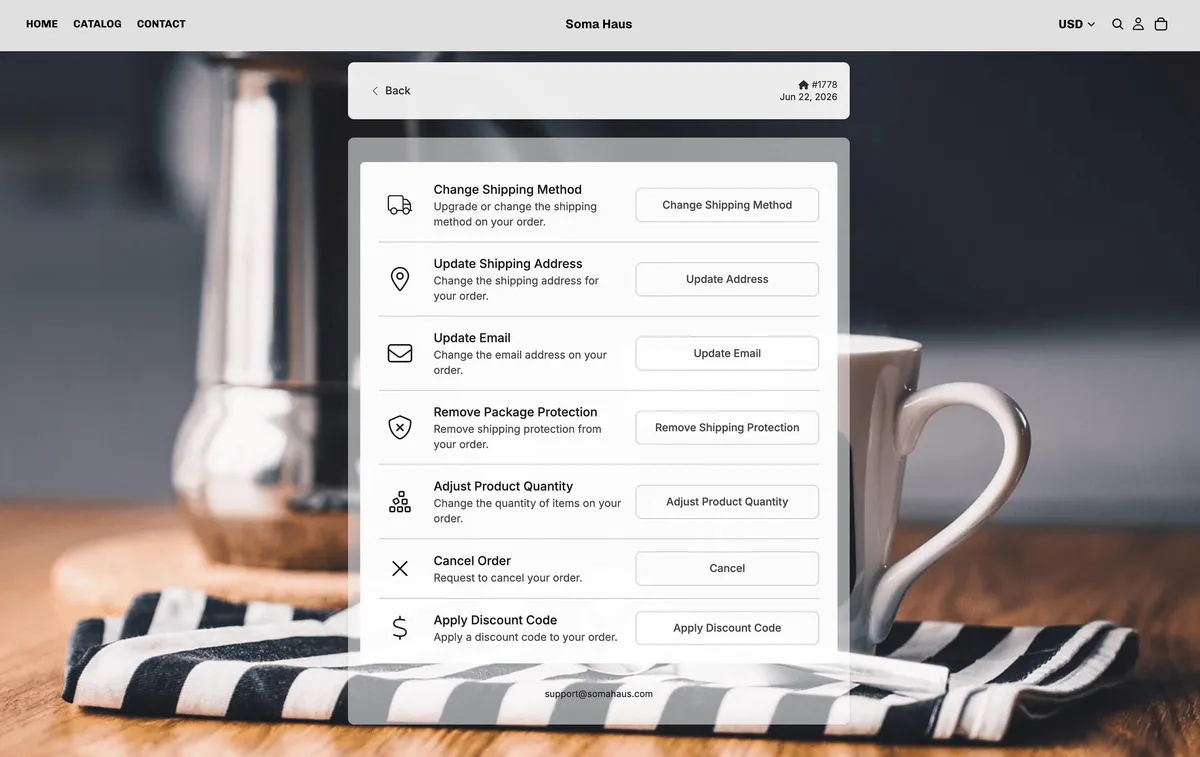
New Order Edits Available
Expanded the order editing feature to give customers a significantly broader set of self-serve controls within a configurable post-purchase window. Customers can now change their shipping method, update their email address, adjust product quantities, apply a discount code, and remove shipping protection. Charges and refunds for applicable changes are handled automatically, and brands can configure which edit types are available, how long the window stays open, and whether a fulfillment hold is applied during editing.
- Platform
Enhanced UI for Admin Filters
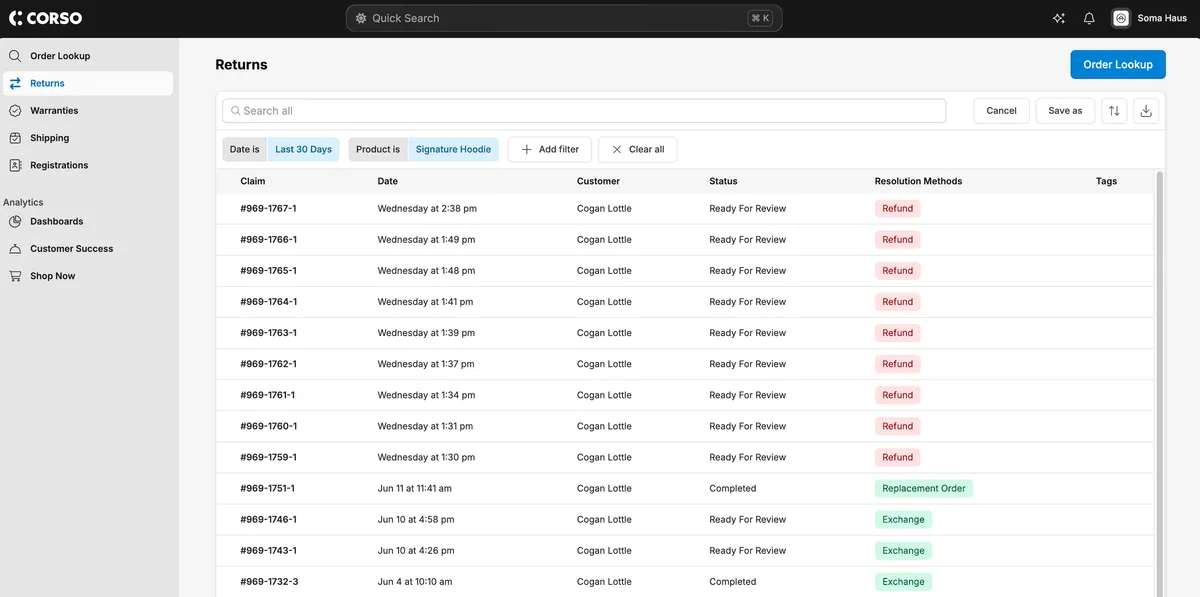
Filters in the admin now display in blue when active, making it immediately clear which filters are set at a glance. Also improved the date filter selector for a smoother, more reliable experience.
- Returns and Exchanges
All New AI Exchange Recommendations Available
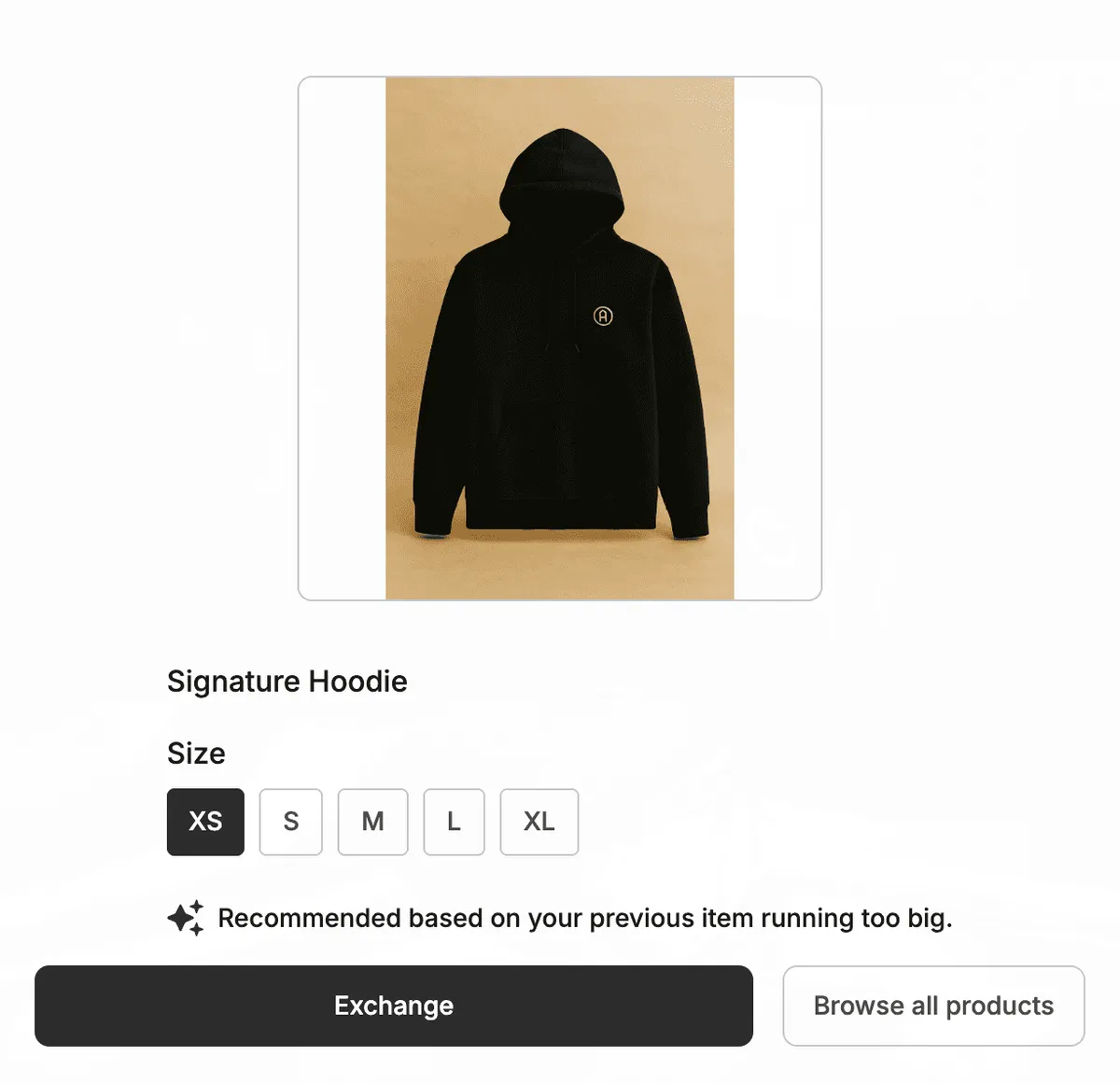
Brands can now use Corso's AI powered exchange recommendations that will pre-select the recommended exchange to make it easier on the customer. This promotes exchanges and improves refund rates. If a customer says a size ran too big, the next size down is already selected. If they received the wrong item, the original product is recommended. The recommendation logic learns from your historical claim data over time and requires no custom setup it's just a single toggle to enable.
- Returns and Exchanges
Product Details Now Available as Conditions in Registration Discount Incentive Rules
Use product details as conditions in registration discount rules, so registering a specific item triggers a tailored discount and drives repeat purchases.
Registration discount incentive rules now support product details as conditions, giving brands more control over when and how discounts are offered. Brands can configure rules so that registering a specific product triggers a discount tailored to that item, such as offering a discount on an accessory when a customer registers a complementary product. This enables brands to build targeted post-registration incentive programs that drive repeat purchases and deliver added value to customers based on what they own.
- Returns and Exchanges
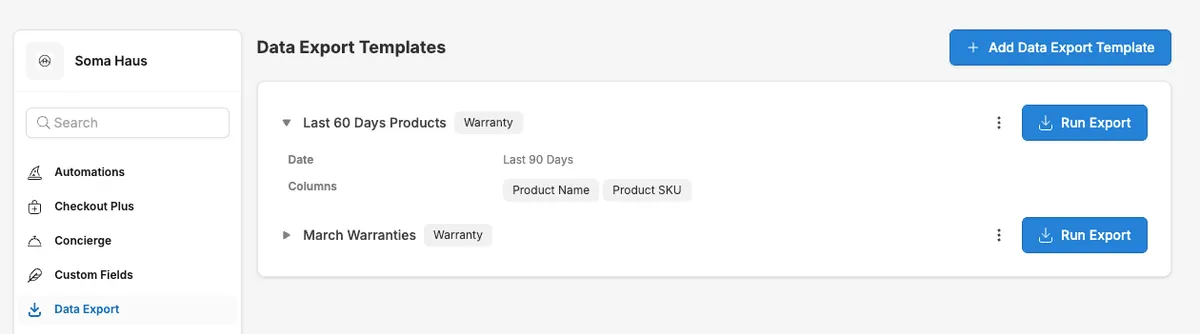
All New Data Export Functionality with Templates and Scheduled Reports
Save claims data exports as reusable templates and schedule them to run daily, weekly, or monthly, so reports arrive automatically without manual setup.
A completely new data export experience is now available in the Corso admin. Brands can save any combination of filters, columns, and custom fields from the claims page as a reusable export template, making it easy to reproduce the same report in the future without starting from scratch. Templates can be created directly from an export or managed within the new Data Export setting, where they can also be edited or built from scratch. From that same setting, brands can configure any template to run on a set schedule, daily, weekly, or monthly on a specific date, and receive the report automatically. This gives teams doing regular reporting a true set-it-and-forget-it experience, saving meaningful time and effort.